All docs
The first run
What someone new sees in their first minutes, so they reach the moment Lampo is for — a note on a frame, an agent picking it up, a fix checked — before anything else. It starts after the first successful sign-in (on the person's own machine: the first start), teaches by doing, and gets out of the way.
An instance whose people know Lampo already turns it off for new accounts with LAMPO_ONBOARDING=off (or
onboarding: false in config.json).
Who sees it
An account starts with a first run when it is made: the owner who sets up a hosted server, someone who signs up on
their own (with a workspace of their own, email.md), everyone who accepts an invite or is
created by an admin (lampo admin create-user too), and the machine's owner on its very first start (a store without a
video). Accounts from before the first run existed have none and never see it: someone who already uses Lampo is
never greeted like a newcomer.
It lives on the account, so it follows the person from device to device. It has two parts: the setup, once, on the first visit, and Get started, a card in the library until its steps are done or it is put away.
The setup
A new account's first visit opens on #/welcome (the library sends it there while setup_due is set): Welcome, then a
few steps, every one skippable ("Skip setup" at the top, "Skip to the library" on Welcome). Each step has its
picture on a light table beside it (a band on top on a phone) that follows what is typed and picked: the workspace's
name on the review link's mail and the browser tab, the agent's status, the people invited. Which steps there are
depends on where the app runs (setupVariant, setupStepsFor in lib/setupFlow.ts):
| Where | Steps after Welcome |
|---|---|
| A workspace made at sign-up (its owner, on Lampo Cloud or any server open to sign-ups) | the workspace's name · who the videos are for · the first project · the agent · the team |
| Invited into someone else's workspace | the agent (Welcome names the workspace and who invited them) |
| A self-hosted server (whoever runs it, as an owner or admin of its first workspace) | the workspace's name · the health check · the team · the first project · the team's agents |
| The machine (the app on the person's own computer) | where exports land · the agent installed · the sample |
- Welcome, where a billing module runs (Lampo Cloud), shows the trial it gives ("Team trial · 14 days · no
card"); a sign-up from Lampo's pricing page (
?plan=cloud-solo|cloud-team|cloud-businesson the sign-up link, carried through the confirm link) is still a Team trial, and Get started offers the plan picked. - Who the videos are for (for other brands, for our own brand, for my channel, something else in a few words; several at
once) is kept on the workspace (
personas,personaOther). It changes a few words, the role an invite starts with (in-house teams invite reviewers) and Get started's order. A channel alone has no team step. - The first project (before the agent): one film, campaign or channel, made at Continue the way the sidebar's New project makes one (one already there can be kept). The agent is told to use Lampo for it and puts its V1 there.
- The agent: Claude Code, Codex, Cursor, ChatGPT, Claude or any MCP client, or none yet. Picking one shows its connect
block in place (the line or the file it needs, made from the same snippets as Settings → Connect an agent), then the
one sentence that sets it to work,
Use Lampo for "<project>"— the whole loop: it finds the project, puts up V1 itself, works the notes and keeps waiting for the next ones until the person approves —, and its status is live: "Waiting for Claude Code…" turns into "Connected · Claude Code from Mia's MacBook" the moment it calls (the connected-agents registry, over the live events; no polling). On a hosted server "Use an API token instead" makes one in place. At the machine the agents installed say Found (looked for on PATH and in the usual places, never run). - The team: rows of email and role. A pasted list splits into rows, each row checks itself (an address, not your own, not twice), Send sends the good ones. Without a mail relay the invites become links to send yourself. When a billing provider runs, the step says what a seat costs.
- The health check (a self-hosted server's owner): the public address, the storage (written and read back, the free space), the mail relay (with Send a test mail to the owner's own address, and the lines to set when there is none) and the speech engine (with the model's download progress). Nothing in it blocks.
- Where exports land (the machine): folders with videos in a few likely places (
~/Movies,~/Desktop,~/Downloadsand the folder Add video browses from), or Another folder…; Link N videos links them where they are, nothing copied.
The end of the setup (finished or skipped) is kept on the account (setup_done); #/welcome shows it again on request.
Get started
A card above All videos: the steps on a keyframe track on the left, the selected one at work on the right — connect
the agent, link or upload a video, make a review link, invite someone, right there (an accordion on a phone). It folds
to one line ("Next: Share a review link"), × puts the card away (with Undo; the sidebar's row stays, and the account
menu's Get started · 2 of 5 brings the card back while a step is open), and, where a billing module runs, a
workspace that picked a plan on the website sees "You picked Team · add a card any time" (to Settings → Billing). On
the machine it offers lampo export for later, to take everything to a server or Lampo Cloud. Once every step is done it
says You're set and folds away for good.
At the sidebar's foot, above the trial's line where there is one, a row says Get started · 2 of 5 with a 2 px line of the steps, on every library page while a step is open. A click opens the same steps in a panel above it (a sheet from the drawer on phones and tablets) with the card's own panes: an agent connected, a review link made, a teammate invited or a file linked right there; the sample and an upload go where they live (the sample in check mode, the library's picker). A step ticks the row the moment it's done. The panel's foot has Hide for good: the card and the row go (with Undo), and only the account menu brings them back. With the sidebar on screen the account menu opens the panel where you are; anywhere else (the player, Settings, an empty library) it brings the card back. When the last step is done the row says You're set with the card and folds away with it.
Each role gets the steps that make sense for it, in an order that follows where the app runs and who the videos are for
(stepsFor in lib/onboarding.ts):
| Who | Steps |
|---|---|
| reviewer | Try the sample · Leave a note on a frame · Approve a version |
| member | Connect your agent · Your agent puts up V1 · Share a review link |
| the machine's owner | Try the sample · Link your first video · Connect your agent · Share a review link |
| the owner of a workspace made at sign-up | Start your first project · Connect your agent · Your agent puts up V1 · Share a review link · Invite a teammate (in-house: the invite before the link; a channel alone: no invite) |
| a self-hosted server's owner or admin | Start your first project · Connect your agent · Your agent puts up V1 · Invite a teammate · Share a review link |
| anyone who picked None yet for the agent | Try the sample · Add your first video · (Invite a teammate ·) Share a review link: people first |
Whoever works with an agent (any pick but None yet, and while nothing is picked) starts from a project and lets the agent put up V1: the V1 step's pane holds the sentence for the project and where the agent stands (connected, waiting for your notes); Add a video yourself is its second choice, and Meanwhile: try the sample fills the wait. The machine keeps its own order: its renders are linked where they land (the setup's first step). "Connect your agent" and "… puts up V1" name the agent picked in the setup ("Connect Claude Code", "Claude Code puts up V1"). The steps go by the person's role in the workspace they work in and count only what happens there: its videos, notes, links, invites, agents, tokens and apps.
A step ticks itself off from real state, never from a click on the list. Lampo looks at what is there and records each step the first time it sees it done, so deleting the video later doesn't take the tick back:
| Step | Done when |
|---|---|
| sample | the person checked the sample's fix (Looks right or Still wrong) or answered its agent's question |
| project | the workspace has a project (a top-level folder) that isn't archived and isn't only the sample's |
| video | the library has a video that isn't the sample |
| agent_video | a video (not the sample) that an agent is on: its own V1 (an agent's upload makes the new video its own) or one handed to it |
| note | a note of the person's own (by account) on any video, the sample included |
| agent | an agent connected for the person (over /mcp or lampo watch; at the machine, any local agent), one of their API tokens or connected apps was used, or — at the machine — the live monitor saw an agent at work |
| share | a review link they made (revoked ones count) |
| invite | an invite they made (any state) |
| approve | they approved a version or requested changes on one |
The card follows what happens without a reload (a video added, a note, an agent connecting), and so do the empty states that point at the next step: the bell's popover and the Inbox ("Connect an agent: its questions and the fixes it makes land here for you"), and Insights' Agents card.
Empty pages
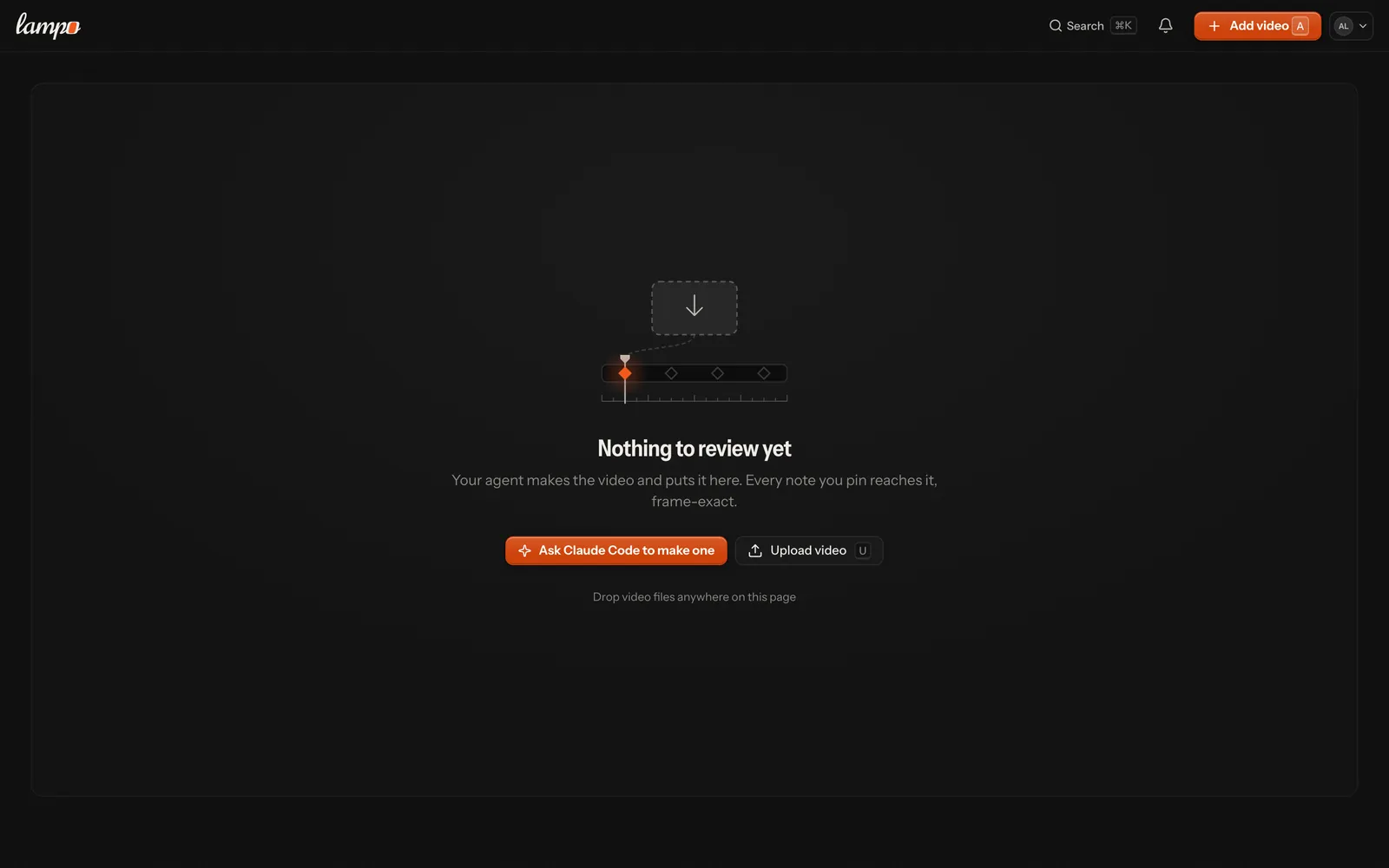
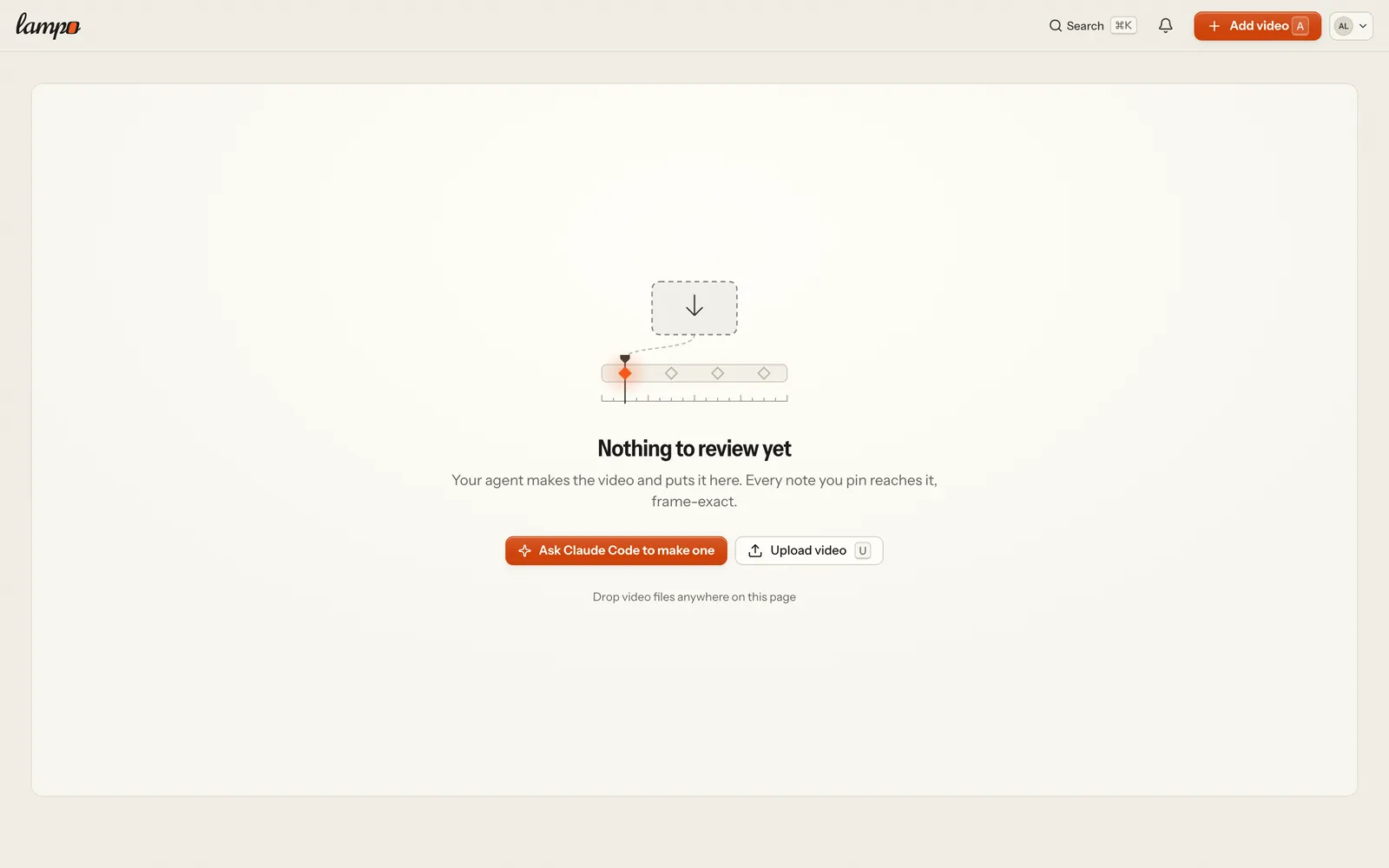
An empty library, project or folder leads with the agent. With the person's agent connected it offers Ask Claude Code to make one (the agent named as it connected), which copies one prompt to paste into it: Make a short video: <what it's for, who it's for, how long>. Then use Lampo for it: put it up as V1 in a project and work my notes there until I approve. (on an empty project's page, that project instead of "a project"). With none connected yet, Make one with an agent opens Settings → Connect an agent. Adding a video yourself is the second choice (Upload video, or Add video on the machine), with its key and the drop hint. Reviewers, who can't add videos, read that videos show up as soon as someone on the team uploads them.
The sample
Lampo sample.mp4 (German: Lampo-Beispiel.mp4), in a project Sample: five seconds of Lampo's own brand film in two versions, frame for frame the same, with the title "EVERY MILE, ON THE RECORD." over the car in V1 and moved onto the hill in V2. On it, the loop as a team lives it: Alex's must on V1 where the title covers the car, fixed by the agent in V2 and waiting for a check; Alex's idea on the opening with the agent's answer; and the agent's question on V2 ("Should the title fade out before the bend, or hold to the end card?") with two answers to pick. The inbox shows the question and the fix to check. The setup's last step on the machine and Get started open it in check mode on its fix, and its agent wears the name of the one picked in the setup ("Claude Code · fixed in V2"; stored as Sample agent). Once its fix is checked and its question answered during the visit, the player says That's the loop — a note on an exact frame, the agent's fix in V2, the check before and after — with the way back to the library.
It is in the library from the start. When an account starts its first run in a workspace of its own — the one an
open sign-up's confirmation makes, the server's first workspace after its setup page, the machine's store on its first
start — the sample is made in the background in that workspace, in the person's language (server/firstSample.ts).
People invited into a workspace find its sample, if it still has one; they never make another. An instance that wants
no sample unasked turns it off with LAMPO_ONBOARDING_SAMPLE=off; it is still made on request (POST /api/onboarding/sample), once per workspace — asking again hands back the one there is.
It is clearly a sample (its name, its project, a Sample chip on its card) and a playground: none of its
events is logged, so no agent's feed (lampo watch, wait_for_feedback), INBOX.md, webhook or push hears of it, and
agents' listings leave it out (lampo ls, lampo folders, MCP list_videos, list_folders, the lampo://review resources):
asked for by name or id (lampo open, get_open_notes, lampo show, get_note), it says SAMPLE: … first, with no
notes to work through. Insights, the taste file and playbook suggestions leave it out, it never counts as the person's
first video or against a plan. It takes no versions but its own two: an upload by its id (the player's Upload new
version… is not offered on it, lampo push --to, MCP, an upload URL, a part) is refused with 409, and an upload
named like it in its project is a video of its own. Remove sample in its menu deletes it for good (the review, its
notes and screenshots, its renders in storage); a sample that holds a version someone uploaded onto it before it
refused them stays (409), and that version counts like any other. Making or removing it takes the right to upload: a
few times per workspace in ten minutes (then 429), never past a hosted server's full job queue.
Where it comes from. The two versions are committed in lib/sample-film/ (about 320 KB each: 960 × 412, 24 fps, 121 frames, H.264 with a soft chord as sound) and uploaded like any render — copied first, through the storage adapter (local disk, Bunny or S3) — so making the sample needs no browser, font or generator on the server. The footage is Lampo's own, AI-generated with Higgsfield for the project's website; the full film it is cut from isn't in this repository. To make the two files again from that film:
node scripts/sample-film.ts <film.mp4>It sets the title in headless Chrome exactly as the onboarding's pictures set it (Instrument Sans), lays it over the
film with ffmpeg and prints the title boxes SAMPLE_TITLE in lib/sample.ts keeps; the same film
gives the same files, byte for byte. test/unit/sample.test.ts holds the pair to being frame-exact: the same frames,
and the same pixels everywhere but where the titles sit.
Details
- The first run is the account's
prefs.onboarding(data-format.md): when it started, each step's first time,hidden(the card put away),dismissed(hidden for good: the card and the sidebar's row),complete. An account without it never sees one.LAMPO_ONBOARDINGdecides only whether new accounts get it. GET /api/onboardingfinds the facts and records them;PUT /api/onboarding {hidden, dismissed, setup, agent}puts the card or everything away or brings it back, ends the setup and keeps the agent picked;POSTandDELETE /api/onboarding/samplemake and remove the sample;GET /api/onboarding/foldersand/agentsare the machine's finds;GET /api/server/healthandPOST /api/server/mail-testthe health check;PUT /api/workspaces/current/personawho the videos are for (api.md).- The steps per role are in lib/onboarding.ts, the setup's in
lib/setupFlow.ts, the sample in lib/sample.ts. The screens are in
web/src/onboarding/(the setup, its light table and Get started, each loaded on demand). The sample's review carriesonboarding_samplefrom its first write (isSample()): anything that counts videos for a plan or a limit must skip it, as Insights and the event log do. - Get started's room is held before the account is known because the browser remembers it showed
(
web/src/lib/chromeHint.ts). The room is the card's own height by design: every step's pane stands in one grid cell (only the selected one shown) inside a pane room set per width inweb/src/styles/onboarding.css, taller while a picked agent's connect form shows;roomOfinweb/src/onboarding/state.tsgives the first paint the same classes (folded, the machine's foot, a phone's number of steps). A new step or state must fit that room in English and German;test/e2e/getstarted.mjsholds the card and the library under it still to the pixel. - What is inside Get started's panes is styled by
web/src/styles/getstarted.css, which comes with its code: it uses the app's own controls and never another chunk's stylesheet. - The sidebar's row is in the first paint as its room alone (
web/src/onboarding/Row.tsx), held when this browser saw the row last time (chromeHint.ts), as the trial line holds its own; the row's face, the panel, the live count and the end come with Get started's code right after it (Panel.tsx,startpanel.css).test/e2e/getstarted-sidebar.mjschecks it;quality-load.mjsholds its room.