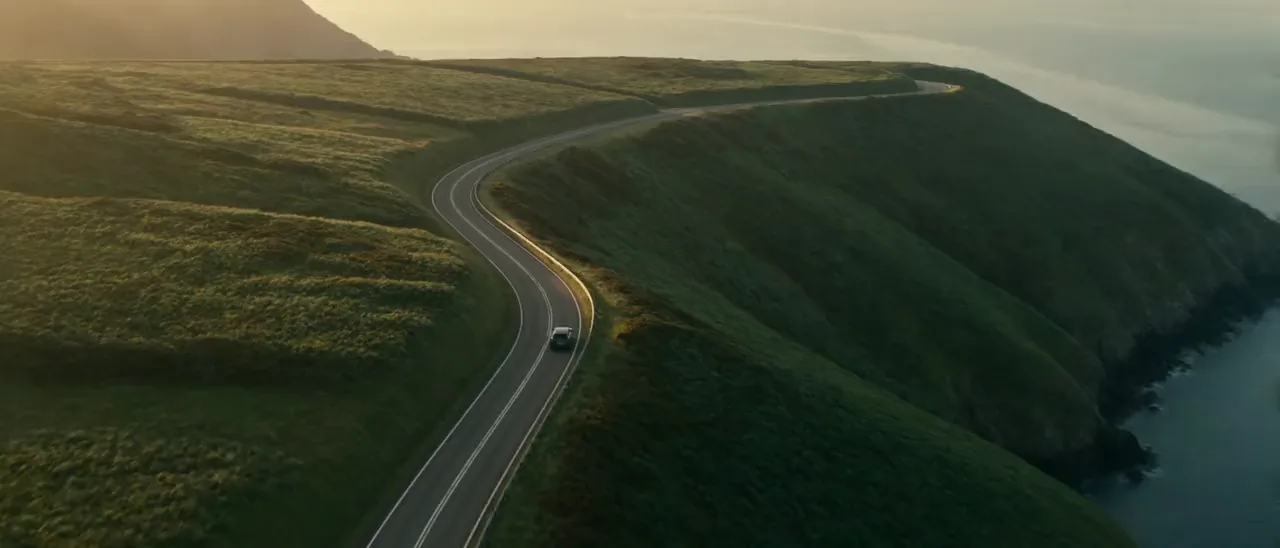
NORTHWINDAvailable spring 2027
northwind-launch.mp4launch-edit fixed it in V200:12:07
Typo: ‘Availble’.
ChangedTypo fixed: ‘Available’.
LaterLooks rightCheck
When a new version arrives, Lampo lines up every note the agent says it fixed: before and after, side by side, on the note’s own frame. Looks right or still wrong, one key each, and what is still wrong goes back with your words.
northwind-launch.mp4Northwind › Launch film
V2 Compare Share Check fixes· 2 fixes to check in V2Check fixes· 1 fix to check in V2Changes requested· 1 note open on V2 Check 2 fixesCheck 1 fixDecideBefore · V1After · V2
Check 1 / 2Must00:12:07V1 → V2Done Esc
Typo: ‘Availble’.
launch-edit · fixed in V2Typo fixed: ‘Available’.
Looks right YStill wrong NSkip SWhat is still wrong? (optional) · Enter reopensReopenCheck 2 / 2Should00:13:00V1 → V2Done Esc
Lift the line a bit, it sits on the road.
launch-edit · fixed in V2The line 24 px higher.
Looks right YStill wrong NSkip SStill touches the road. Lift it 48 px.What is still wrong? (optional) · Enter reopensReopenA note the agent marks fixed is a fix to check: the player’s next step, a button on the board, a row in your Inbox with what the agent says it changed. Looks right settles it where it is; Check opens it before and after.
Fixes to check121
northwind-launch.mp4launch-edit fixed it in V200:12:07
Typo: ‘Availble’.
ChangedTypo fixed: ‘Available’.
LaterLooks rightCheck
northwind-launch.mp4launch-edit fixed it in V200:13:00
Lift the line a bit, it sits on the road.
ChangedThe line 24 px higher.
LaterLooks rightCheck
Looks right — launch-edit hears about it
00:13:00Lift the line a bit, it sits on the road. launch-edit · fixed in V2: the line 24 px higher.
Looks right YStill wrong NSkip SCompare any two versions, or two videos of the same project: side by side, with a wipe, or one over the other. The difference turns everything that stayed the same black, onion skin fades one over the other, and both play in step.
Lampo compares the new version with the last one frame by frame. What changed is outlined on the frame and marked on the timeline, and Play changes plays only those parts, with 0.6 s around each.
Say what is still wrong, typed or out loud. The note reopens with your reason on it, the agent hears it at once, and its next version comes back to you to check.
00:13:00Lift the line a bit, it sits on the road. launch-edit · fixed in V2: the line 24 px higher.
Looks right YStill wrong NSkip SMIMia reopened itStill touches the road. Lift it 48 px.
launch-edit fixed it in V3The line 48 px higher.
Check 1 fixAn agent fixing in After Effects, Premiere or Resolve can show you a still or a short clip of the fix before it renders. Check it on that; the next version is compared with the preview by itself, and a fix that doesn’t match comes back to you.
Check 1 / 1Must00:12:07V2 → fix previewWaiting for the next versionMatched in V3
Typo: ‘Availble’.
Looks right (preview) YStill wrong NV3 matches the preview this fix was verified on (block difference 2).


Lampo Cloud from €0, or the open‑source app on your own machine or server. Version 0.1. The source is on GitHub.